Patient portal
A patient portal your patients will actually use
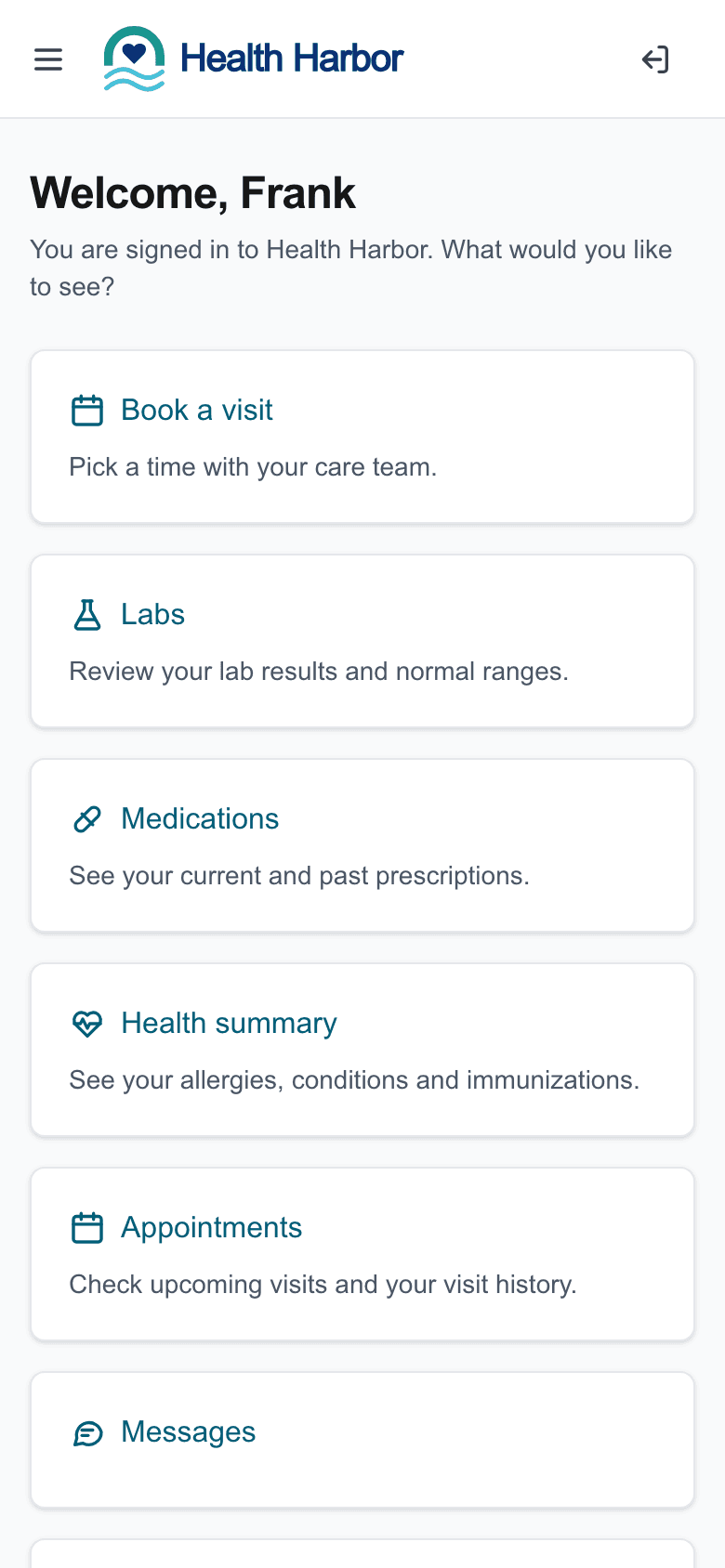
Patients book visits, check in, ask for refills and message their care team from their phone. That means fewer phone calls and a calmer front desk.
What your practice gets
Fewer scheduling calls
Patients book open times with their care team online. You choose which visit types they can book and how much notice you need.
A faster front desk
Before they arrive, patients confirm their details and insurance, answer the visit questions and sign consent forms. Your front desk gets one task to review.
Fewer refill calls
Refill and renewal requests arrive with the pharmacy already chosen, and patients get an email when theirs is approved, ready or denied.
Less paperwork
Insurance cards come in as photos from the patient's phone, and each consent form is signed once per version.
Everything patients need
One sign-in, on any phone or computer. Patients can add it to their home screen like an app.
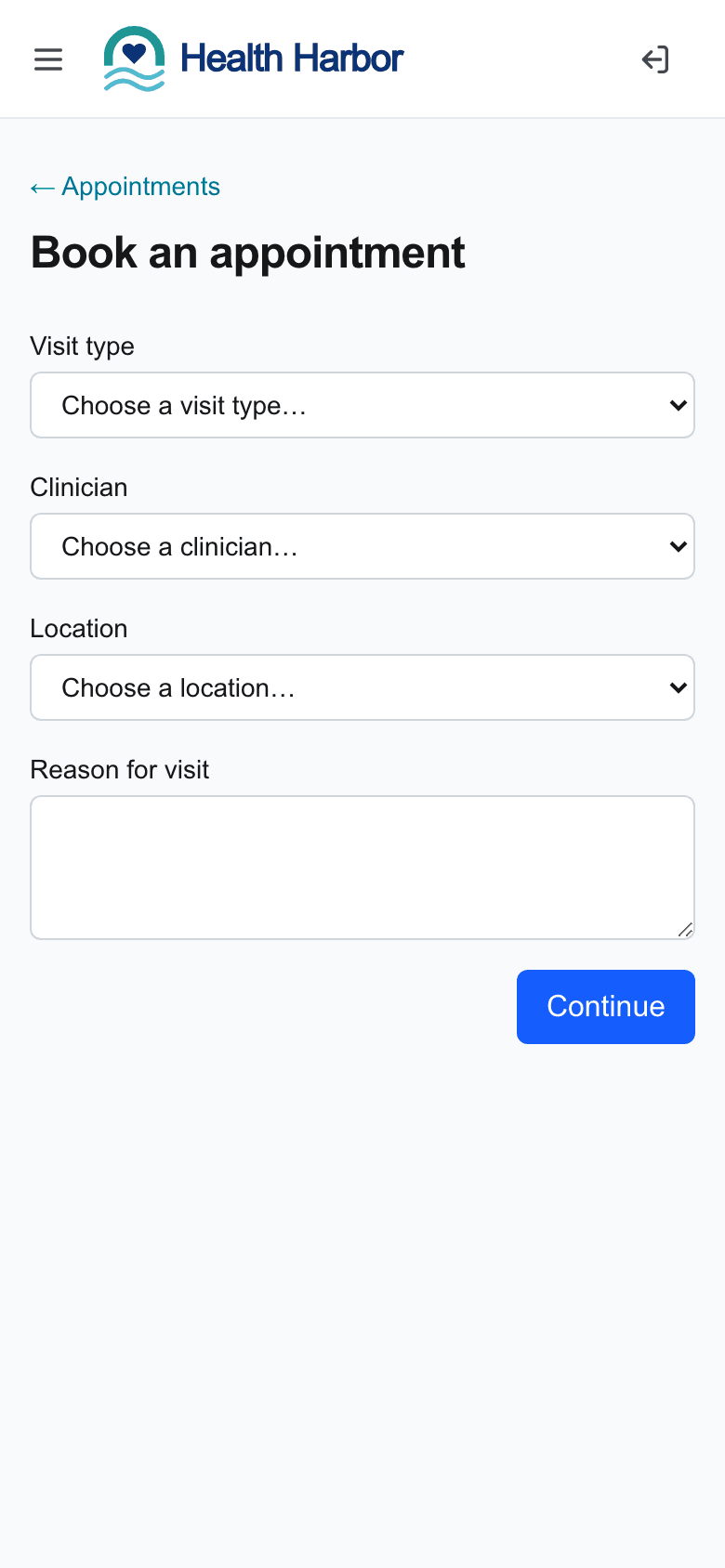
Appointments and check-in
Book visits, ask to reschedule, add them to a calendar and check in online before arriving.
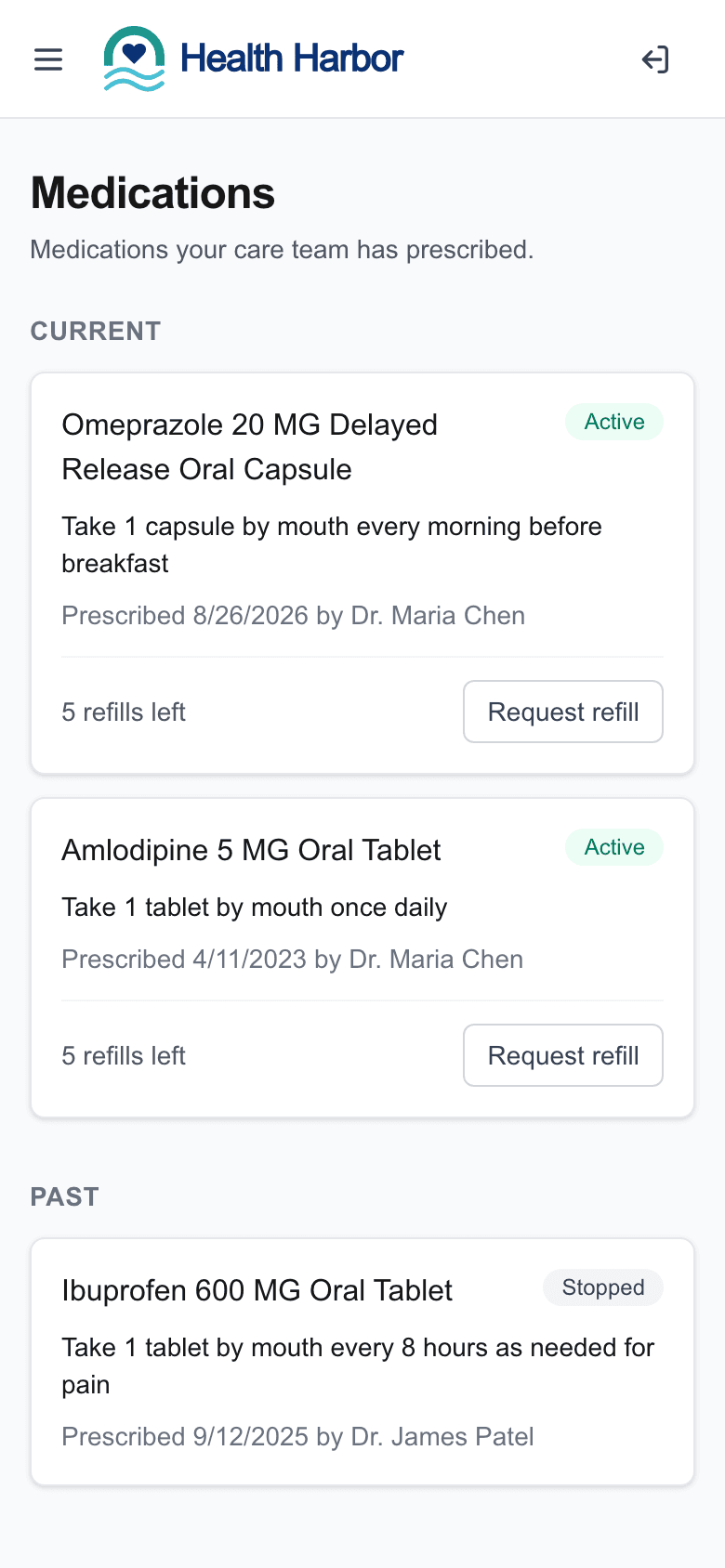
Medications and refills
See current and past prescriptions and ask for a refill at the pharmacy of their choice.
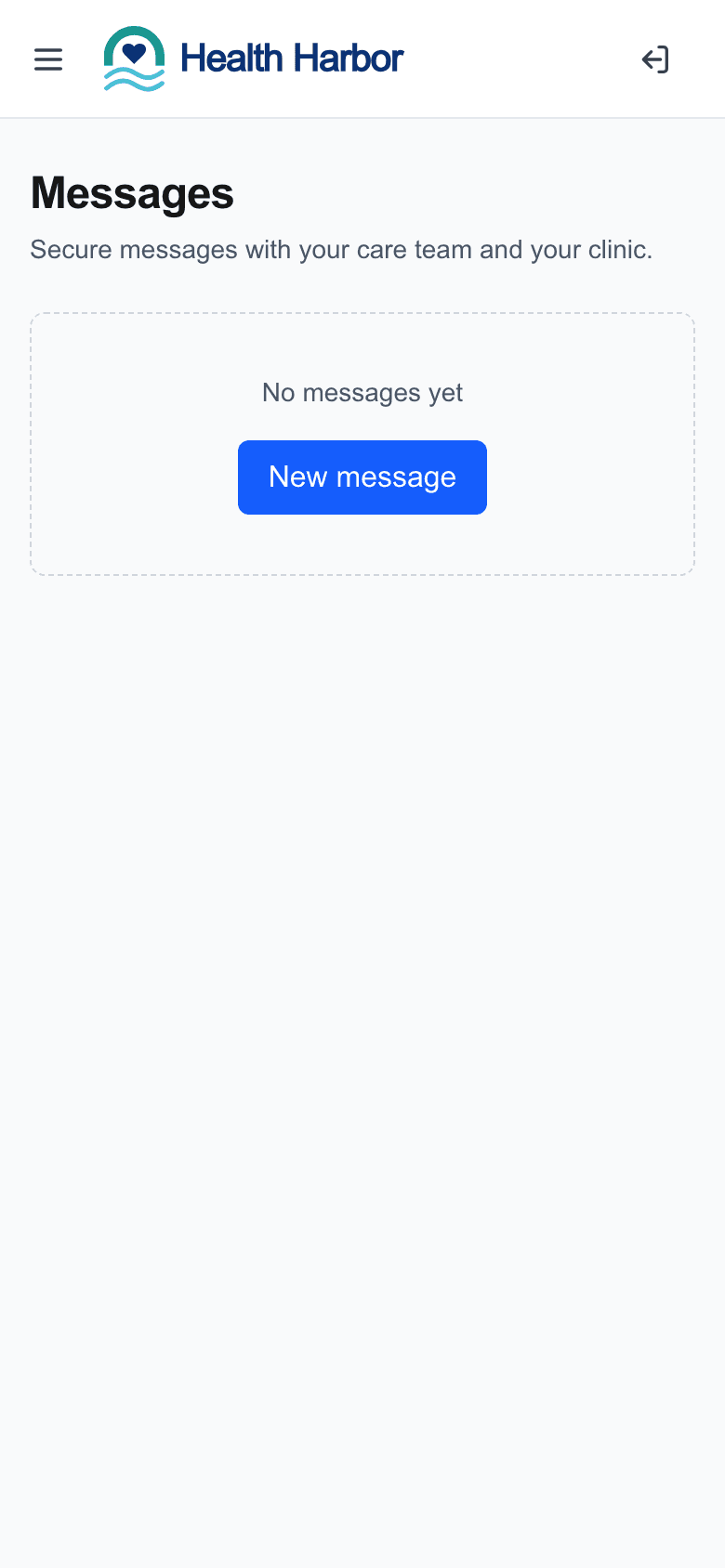
Messages
Write to their care team, or to the clinic's billing, scheduling, refills and records inboxes.
Health record
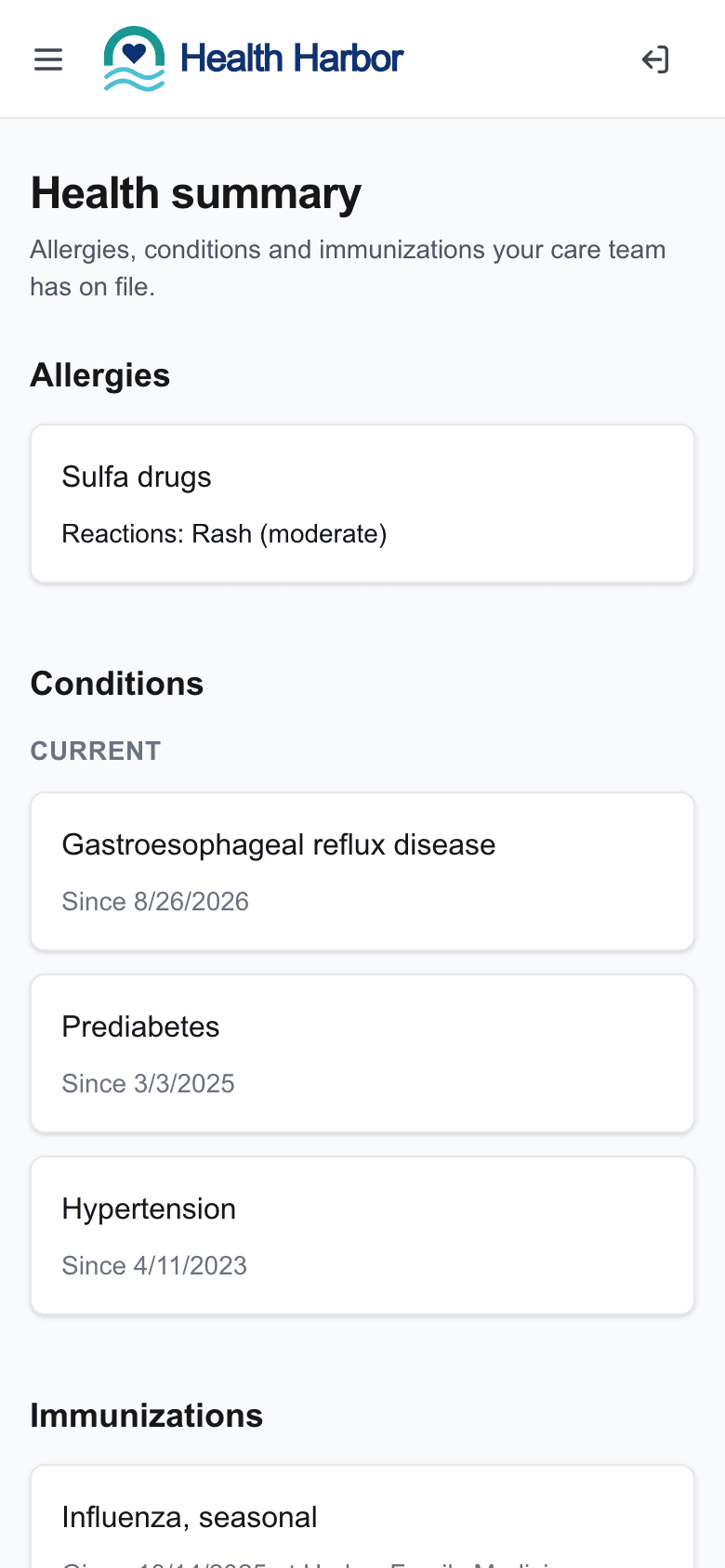
Allergies, conditions, immunizations, lab results and visit notes, ready to download or email to another provider.
Family and caregivers
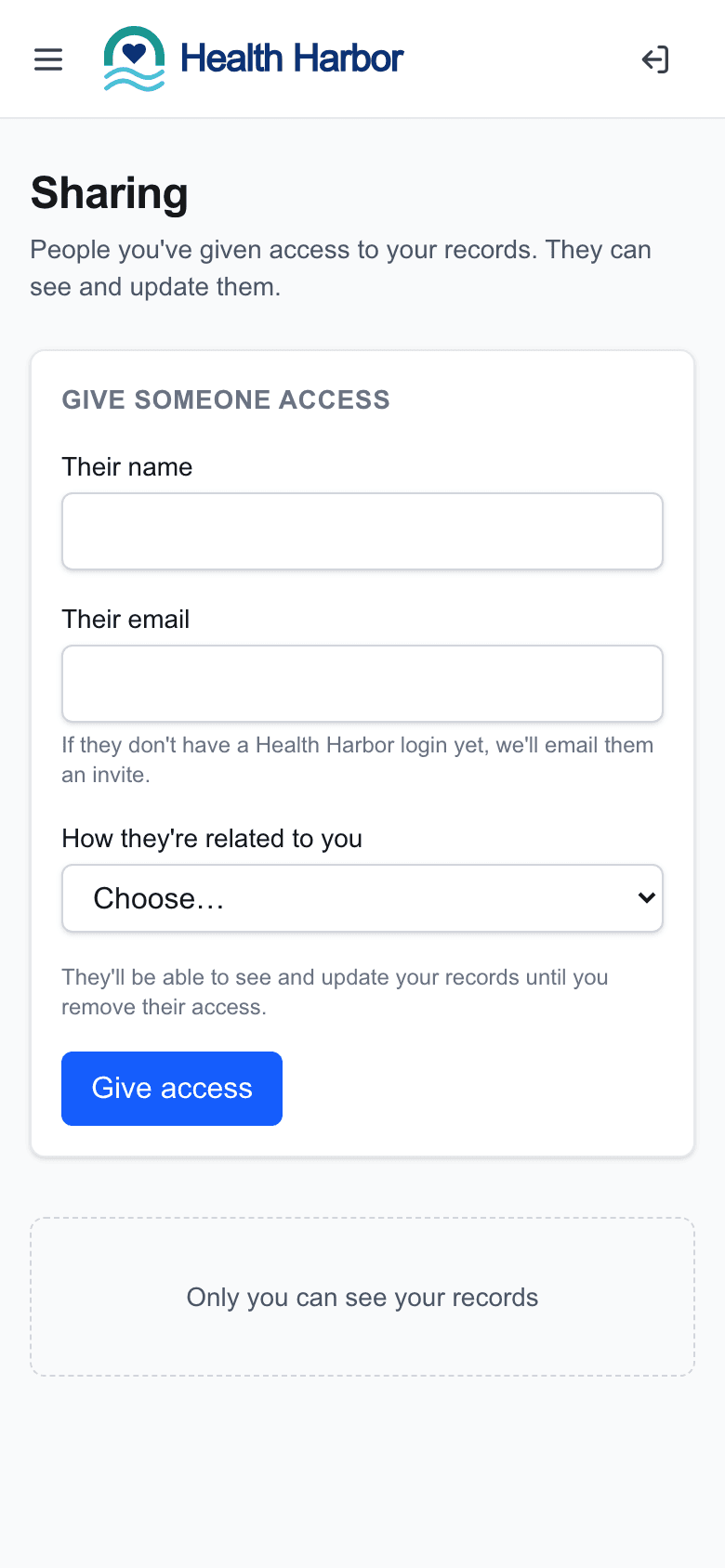
Parents and caregivers switch between the people they look after, and patients decide who can see their record.
Insurance
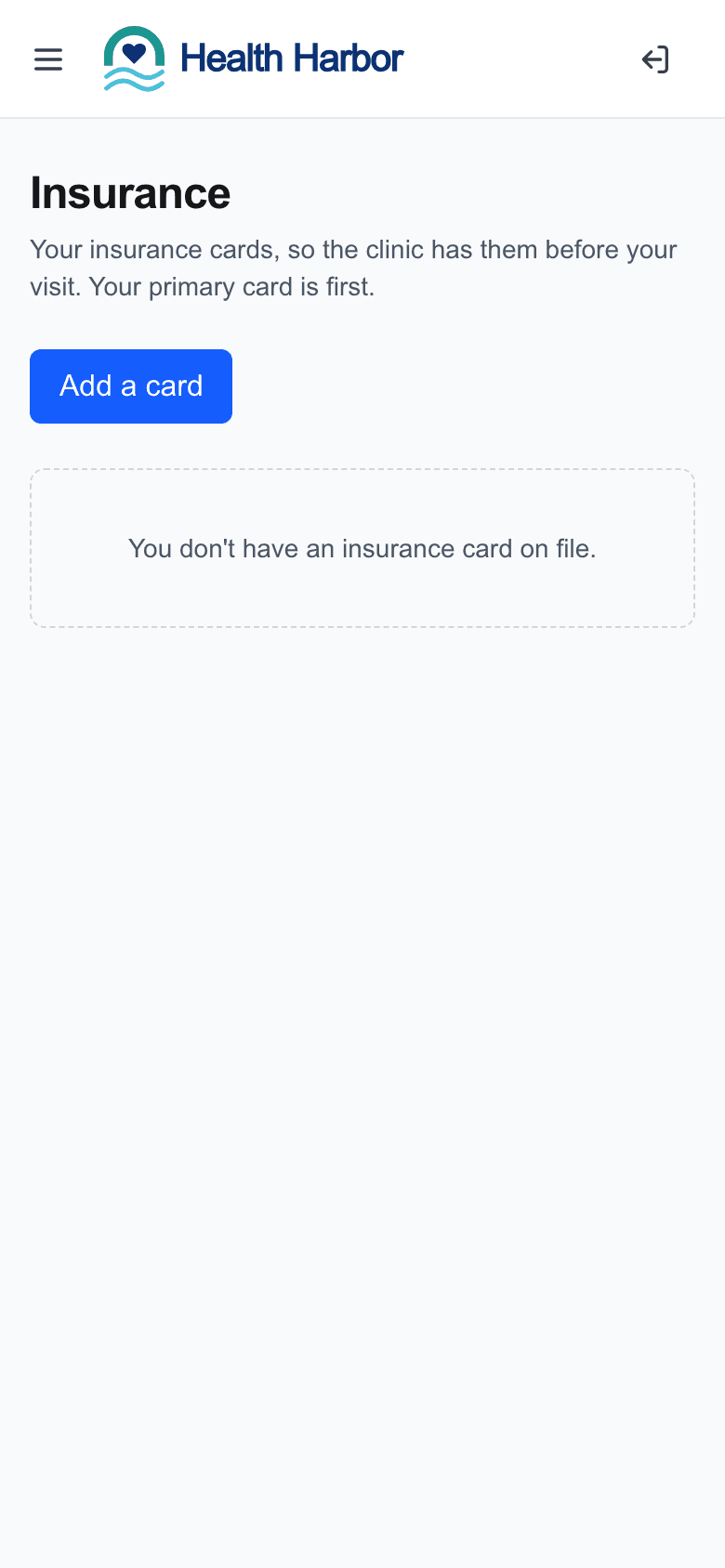
Photograph the front and back of a card with the phone's camera, and keep older cards on file.
Built for families
Most patients don't manage their health alone. Health Harbor lets the right people help.
Caregivers act for the people they look after
A parent books for a child and an adult child checks in for a parent. Messages and requests say who sent them.
Switch between family members
Anyone who looks after more than one person picks whose records to see, and a banner on every page says whose they are.
Read-only access for aides
Home-health aides can see what they need without being able to change anything.
Patients choose who can see their record
Patients share access by email and can take it back at any time.
Viewing records for
Try the patient portal demo
Sign in as one of these people. Their records are made up, so click anything. Every login uses the password HarborCare-2026!
| Who | Login | Try this |
|---|---|---|
| Frank DadLooks after his parents and two sons | frank.dad@example.com | Switch between five family members, then book a visit for one of the boys. |
| Karen CarA caregiver who isn't a patient | karen.car@example.com | Ask for a refill for Forrest and see who the request says it came from. |
| Timothy Son114, with asthma and a peanut allergy | timothy.son1@example.com | Open the Health summary to see allergies, conditions and immunizations. |
| Forrest GPa78, with diabetes, high blood pressure and atrial fibrillation | forrest.gpa@example.com | Look through the medications and lab results, then message the care team. |